Open-source firmware & macOS companion for Spotify Car Thing

Turn Spotify Car Thing into a Stream Deck & Bento dashboard.

Give your Spotify Car Thing a second life with standalone Linux firmware, a pixel-exact visual Studio, and a native Swift macOS menu bar app — with zero listening ports on your Mac.

MIT License • Standalone Yocto OS (Linux 7.0.2) • USB & Bluetooth RFCOMM
⏮ Prev Tab
⏭ Next Tab
🎙 Mic Mute
🔒 Lock Mac
San Jose · Overcast 10°C
09:41
SAT NOV 28 · THING DECK
Mac Performance
21% CPU
RAM 24 / 36 GB · BAT 80%
Now Playing
Midnight City
M83 · ⏮ ⏯ ⏭
🍅
25:00
📸
Capture
USB · 0.6ms
HOME
⌘K Palette
⌘P Files
⌃` Term
⌘B Sidebar
⚡
Build
🧪
Run Tests
Smart Context (-1)
Dev Workspace
AUTO-SWITCHED ON FOCUS
🔀
Git Diff
🚀
Deploy
API Data Card · CI Status
● Passing
main · 42s ago via Mac RPC
AUTO: DEV
SMART -1
☀️ Bright +
🌙 Bright -
🔇 Mute
✨ Studio
Plugin · World Clock
SF 09:41 · TYO 01:41
LDN 17:41 · LIVE ESM PLUGIN
Plugin · Countdown
34 Days
NEW YEAR 2027 · CUSTOM .ZIP
Sticky Note
Ship v0.2.0 firmware
UPDATED LIVE FROM STUDIO
🪟
Split Left
🪟
Split Right
BT RFCOMM
PLUGINS
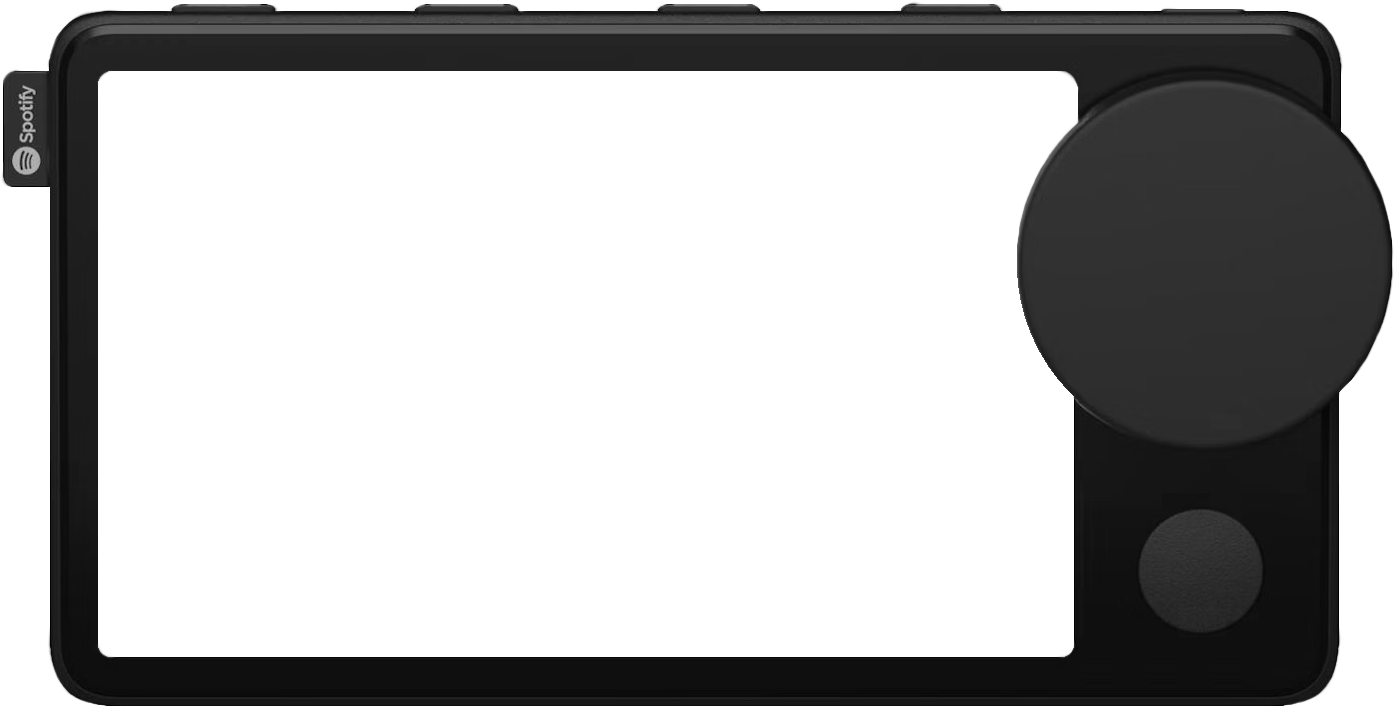
Spotify Car Thing hardware running Thing Deck
Features

Designed around every button, dial, and pixel.

Mix live widgets and Stream Deck triggers on a flexible Bento grid — configured visually in Studio with instant live preview.

🎛️

Pixel-Exact Visual Studio

Design screens inside a 1:1 Car Thing hardware preview right in ThingDeck.app or any browser. Drag actions onto tiles, upload custom PNG/WebP icons, switch entire screens to Icon-Only mode, and reorder screens like browser tabs.

3×2 to 5×3 Grids 1×1 to 5×1 Spans Icon-Only Mode Global & Per-Screen Keys
🧠

Smart Context Screen (-1)

Automatically detects your frontmost macOS app (Browser, AI, Dev, Chat, Mail, Creative) and loads tailored shortcuts — falling back to your home screen when unmatched.

Auto-Switch Custom App Rules
🎵

Apple-Style Now Playing

Real album artwork, blurred backdrop, live playback progress bar, and crisp transport controls — works universally across macOS media apps.

⚡

Deep macOS Automation

Hotkeys, A/B Hotkey toggles, Browser Tab Switch, Open App/URL, Text Paste, Window Snapping, Mic Mute, Multi-Action Macros, AppleScript, Shell, Webhooks, and Shortcuts.

🧩

.zip Plugins & Data Cards

Drop a lightweight ES module .zip widget into Studio (world-clock & countdown included), or pull live JSON/shell stats via Zero-Code Data Cards.

Architecture

Zero listening ports on your Mac.

The server, Studio editor, icons, and plugins all live on the Car Thing itself. Your Mac runs a tiny native Swift menu bar app that only connects outbound.

ThingDeck.app

NATIVE SWIFT · MACOS 13+
  • Zero listening TCP or UDP ports
  • Outbound WebSocket over USB or Bluetooth RFCOMM
  • Streams CPU/RAM, Now Playing artwork & active app
  • Executes hotkeys, macros, AppleScript & RPC tasks
USB 10.42.1.42:7700 automatic failover Bluetooth RFCOMM ch 4

thingdeckd

STATIC GO DAEMON · CAR THING
  • Hosts 800×480 Kiosk UI & Visual Studio
  • Stores config.json, icons & plugins locally
  • Proxies Zero-Code Data Cards via /api/rpc
  • Clean Linux 7.0.2-superbird + mDNS thingdeck.local
HardwareSpotify Car Thing (Superbird)
Standalone OSYocto Linux 7.0.2 (aarch64)
UI RuntimeWeston + Chromium Kiosk
FontsNoto Sans CJK + Color Emoji
Get Started

Flash directly in your browser in 60 seconds.

Use WebUSB in Chrome or Edge via terbium.app — no CLI tools required — or flash from the terminal.

CLI & Overlay Options

Terminal Flash or Non-Destructive Install

Prefer the command line? Flash in Maskrom mode with flashthing-cli:

flashthing-cli thingdeck-image-superbird-flashthing.zip

Already running Nocturne or BridgeThing? You can also install Thing Deck non-destructively via SSH and switch back anytime with ./switch-mode.sh native.

FAQ

Frequently asked questions.

Does Thing Deck open any network ports on my Mac?

No. Thing Deck uses a strict zero-listening-port architecture on macOS. All web servers, config files, and plugins live on the Car Thing, while ThingDeck.app initiates outbound connections over USB or Bluetooth RFCOMM.

Can I flash Thing Deck directly from my browser?

Yes. Download thingdeck-image-superbird-flashthing.zip, enter Maskrom mode (hold top buttons 1 + 4 while plugging in USB), and flash directly in Chrome or Edge using terbium.app.

Does it work wirelessly over Bluetooth?

Yes. Pair your Car Thing with macOS Bluetooth and ThingDeck.app will automatically fall back to Bluetooth RFCOMM channel 4 whenever USB is disconnected.

Can I switch back to Nocturne or BridgeThing later?

Yes. With the non-destructive overlay installer, run ./switch-mode.sh native anytime. With standalone Thing Deck OS, you can re-flash any Superbird image anytime via Maskrom mode.